|
3. How to play | |
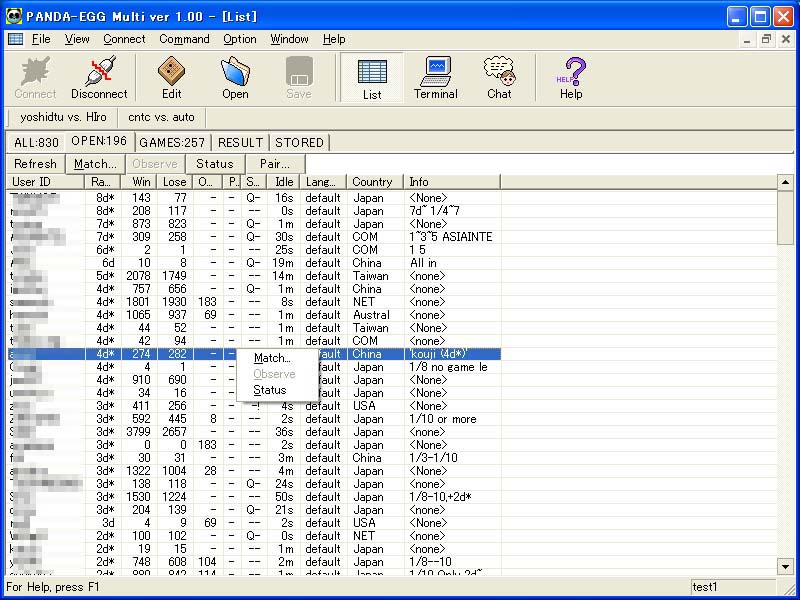 | When you want to play a game, click [OPEN] tag on the list window. Find the opponent in the open users and select [match] of right-click-menu. |
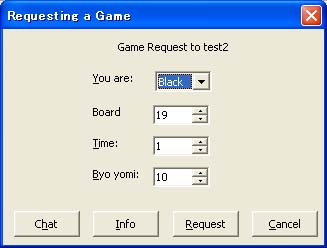 | Select game conditions and click [Request]. |
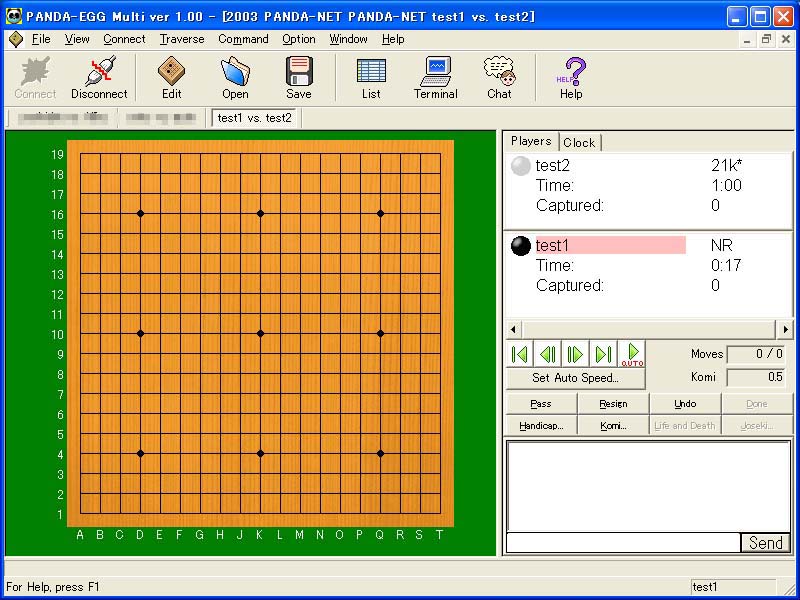 |
When the opponent accepts your request, the game window show. The turned player clicks the board twice. If you want to resign the game click [Resign] button. The game finishes click [Pass] button. It takes 3 'pass' moves to begin scoring. |
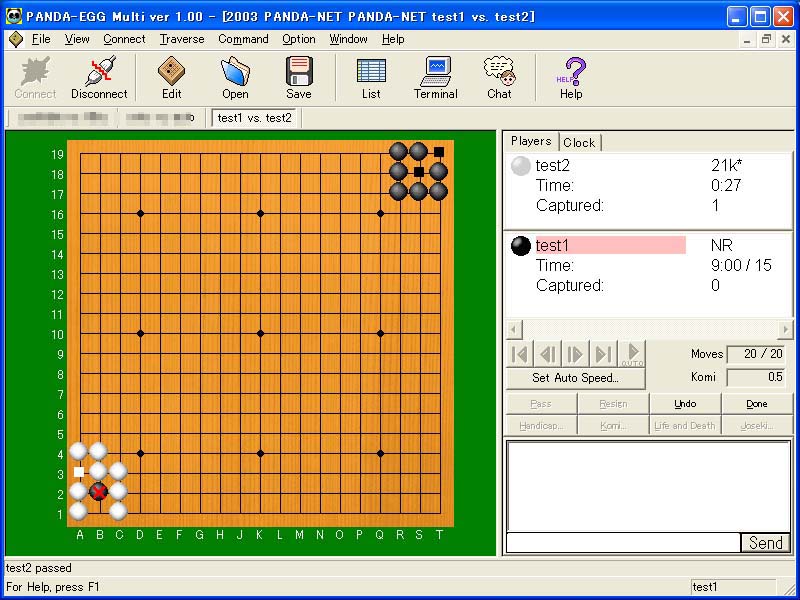 |
The computer guesses and red X is put up to dead stones. If they are correct, click red X and remove them.
If there are other dead stones, click them twice. When all dead stones are removed, click [Done] button. |
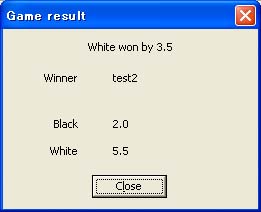 | When both players click [Done], the game result show. |
|
[Home] | |